Rambling
- I identifiedy a slight fcriciotn point in quarot blogs - when triyn got make a blog or lsiting page wiht thumbanils it was difficult to adhsut the iamge sof the thumbanils int he gallery lsiting page
- so i wonder if hter e a quarot exntesion to help wiht this (realy inspired by Emil Hvitfeldt’s quarto-revealjs-editable
- didnt really find any
- i have never made a quarot exntesion
- But i think its a very usefull skilll and i would like to learn the archetreucture so i can be able effectively do desing/arhcenutrue/managmetn of a agenetic engeneriing to develop quarot enxstnsions
- This is a first step: i have idnetiifed a gap i found then to first one shot with no management. jsut osee i fi psosibel as POC
- A folowup projects or topic sor seireis will break this down and learn move but htis tibdi is the one shot POC
- See Sample gallery below fo rhte POC
- No user testigna t all this is jealyl sut a log fo rfuture breakdown and learnings
Sample gallery
Only the swirl cake has a focus set. The rest use the default center crop.

Swirl cake
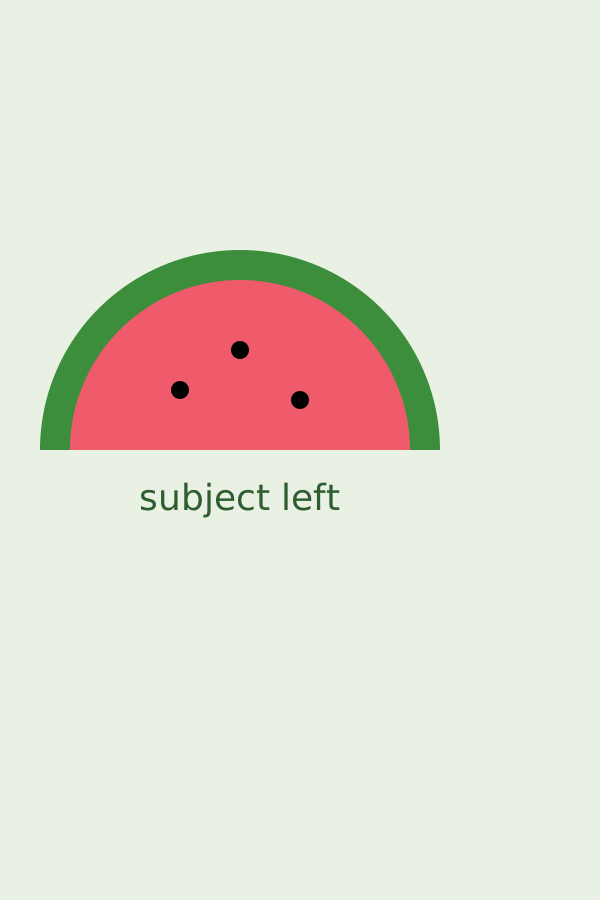
Watermelon coaster

Bunny
Centered (control)
No matching items
How it works
- Data: each item in
gallery.ymlcan carryfocus: "x% y% zoom". Leave it out and you get the center crop. - Render: the custom listing template puts
focuson each card’s image asdata-focus. The extension’s script turns it intoobject-positionplus ascale(), so the crop holds on the live site. - Edit (localhost only): drag a thumbnail to move the crop, scroll to zoom, double-click to reset. Each card shows its
focus:line with a Copy button. Paste the line into that item ingallery.yml. - On the live site the script only applies the saved crops. The editing UI never switches on.